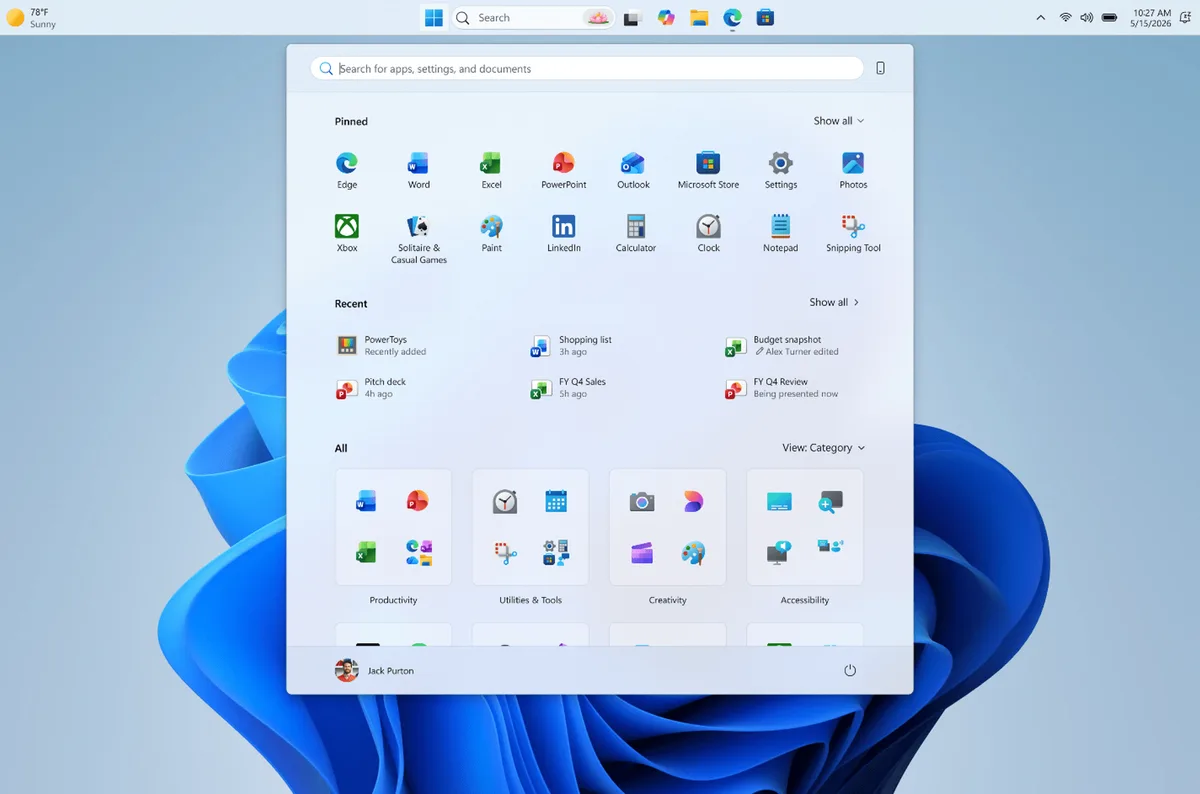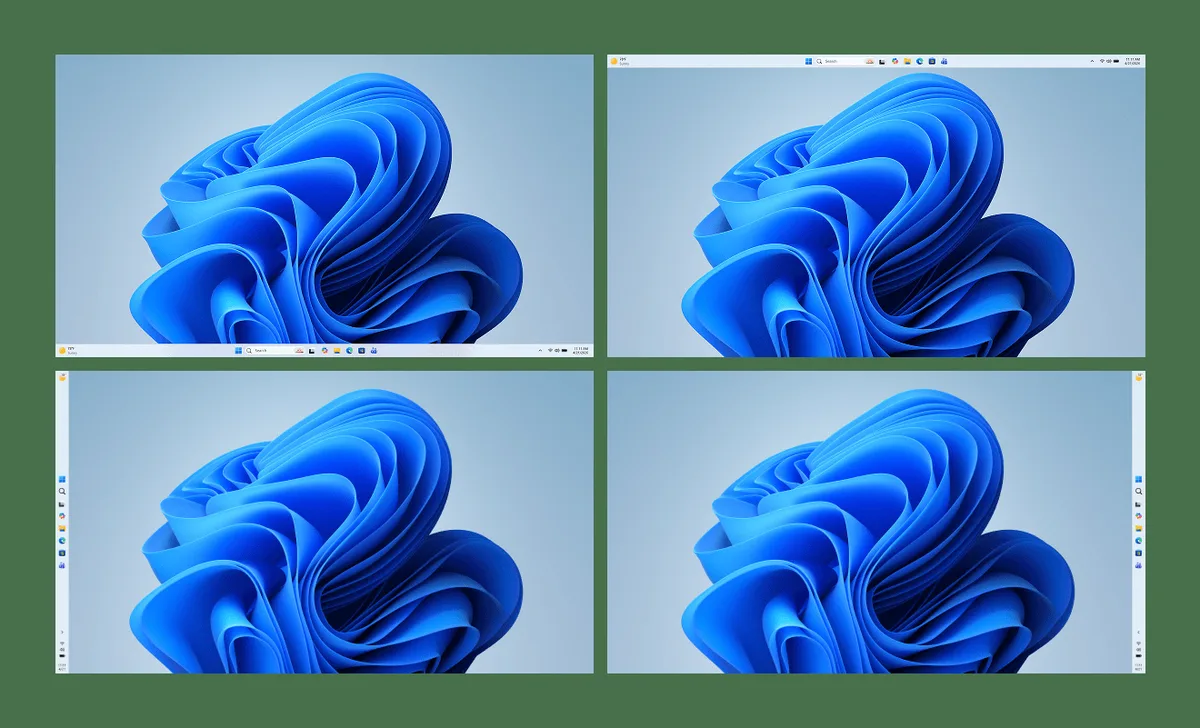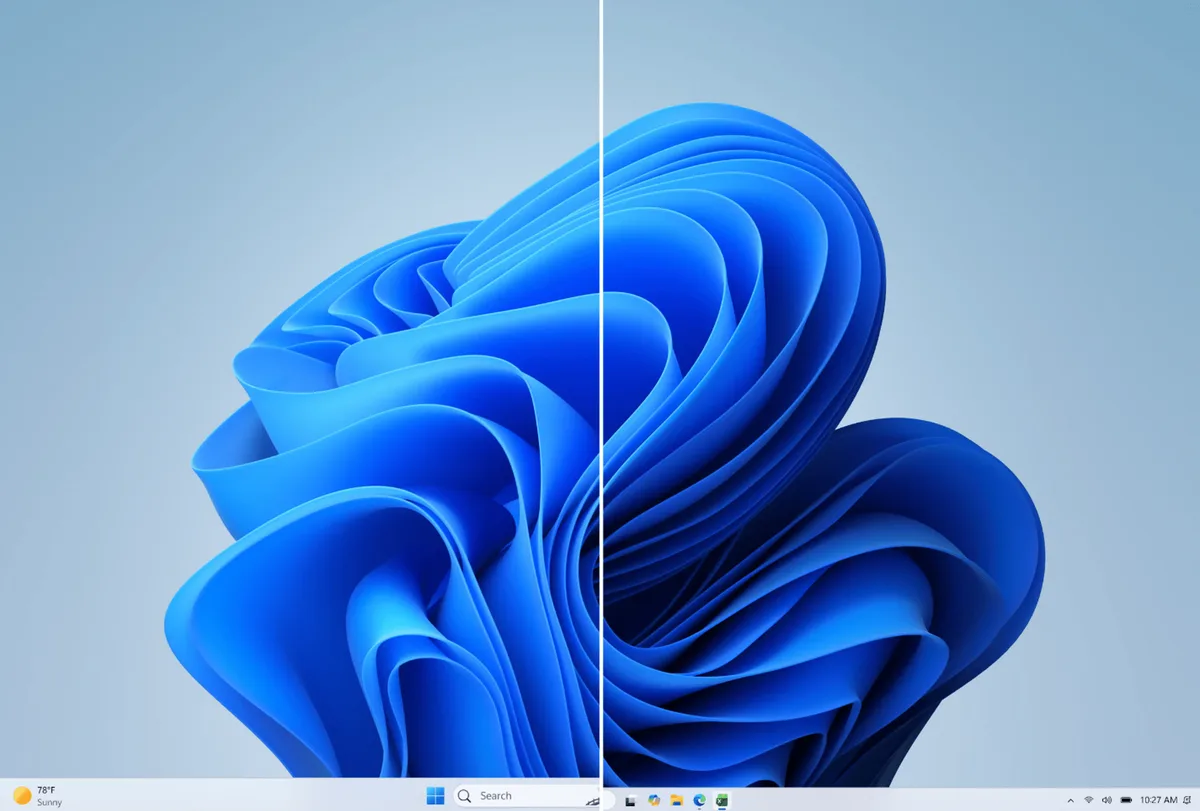
Microsoft started rolling out an update to Windows 11 Insiders in the Experimental channel in mid-May 2026 that lets users move the taskbar to any screen edge: bottom, top, left, or right [1, 2]. The update allows customizing how icons align on the taskbar. Icons can be top-aligned or centered when placed on the left or right sides, and left-aligned or centered when along the top or bottom [3, 2].
Windows 11 users can now select between a smaller or larger taskbar size, a feature designed to help devices with smaller screens[s1-s5]. The Start menu also offers size options, allowing users to toggle between Small and Large layouts[s1-s3,s5].
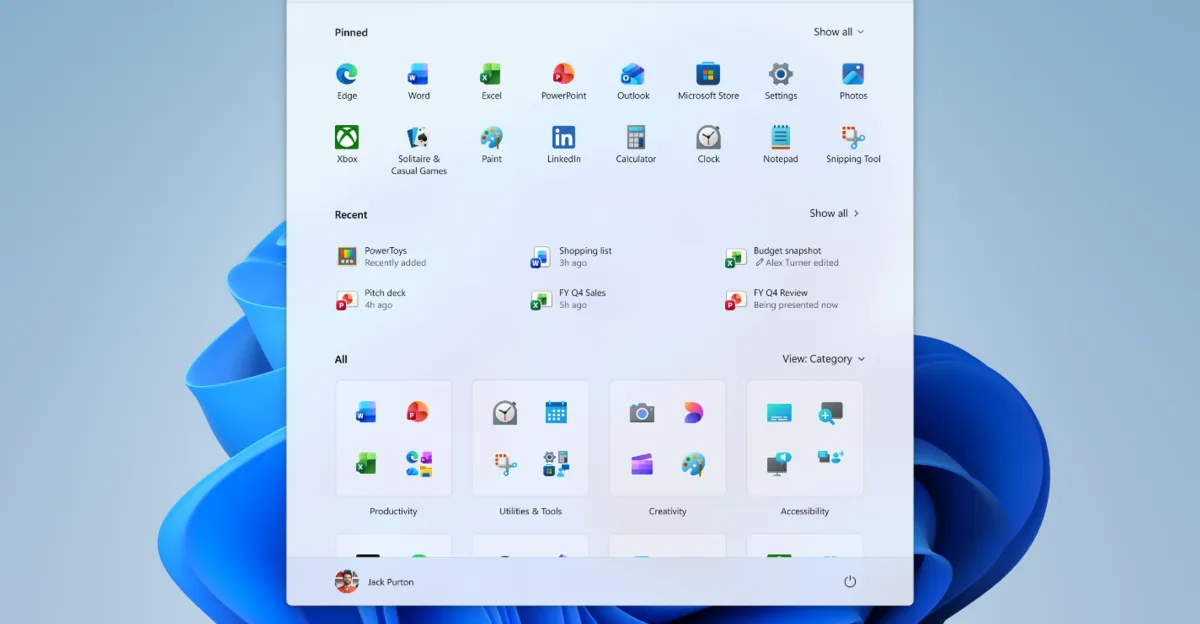
The Start menu's sections can be shown or hidden individually, including Pinned apps, a renamed 'Recent' section (formerly 'Recommended') that lists recently installed apps and accessed files, and All apps[s1-s5]. For privacy, users may hide their name and profile picture in the Start menu, useful during screen sharing or streaming[s1-s3,s5].
Some technical limitations remain. Auto-hide and tablet-optimized taskbar modes are not supported when the taskbar is moved away from the bottom edge. The search box also does not display properly when the taskbar is on the top or sides [3]. Users can toggle a compact "small taskbar" mode without restarting by adjusting a setting under taskbar behavior [3].
The update is part of Microsoft’s broader “K2” system optimization plan aimed at addressing Windows 11 bloat, performance, and AI integration challenges [4, 5]. Diego Baca, Microsoft’s design director, said, “We have talked about earning trust through steady and visible progress. Start and taskbar are where that trust is tested most, every time you sit down at your PC.” [1]
The rollout will continue with new features released over the coming weeks for Windows 11 Insiders in the Experimental channel [1, 2].