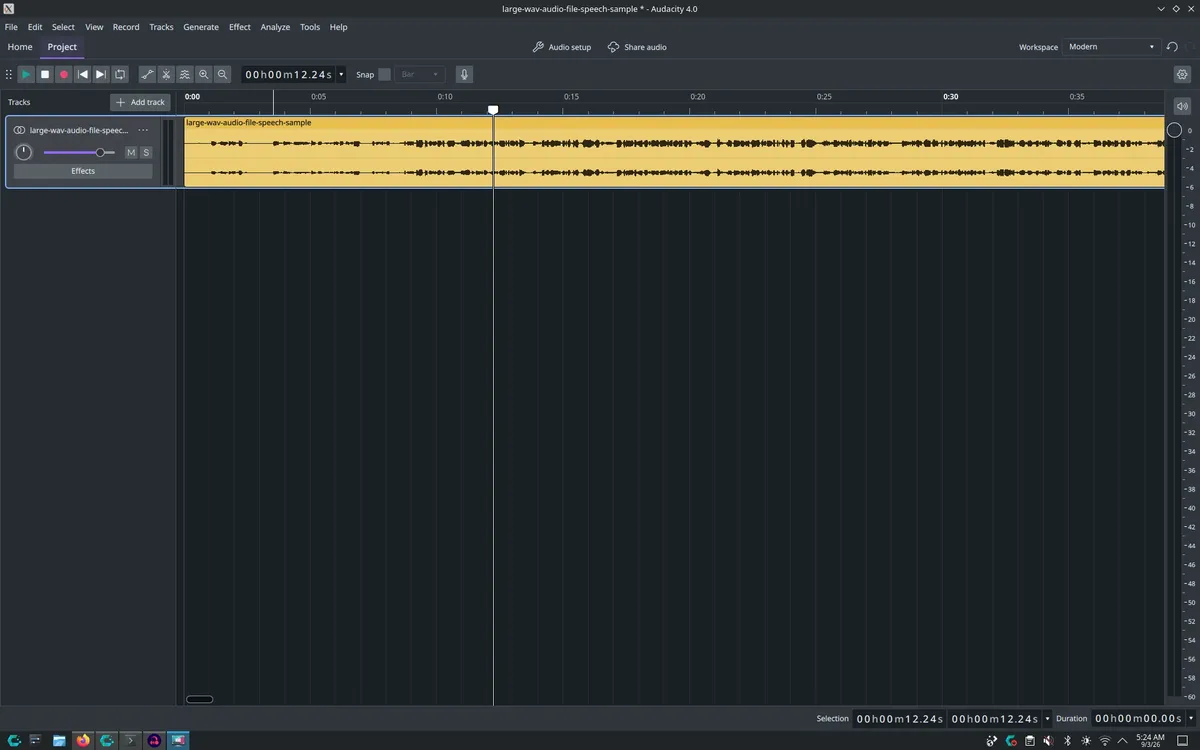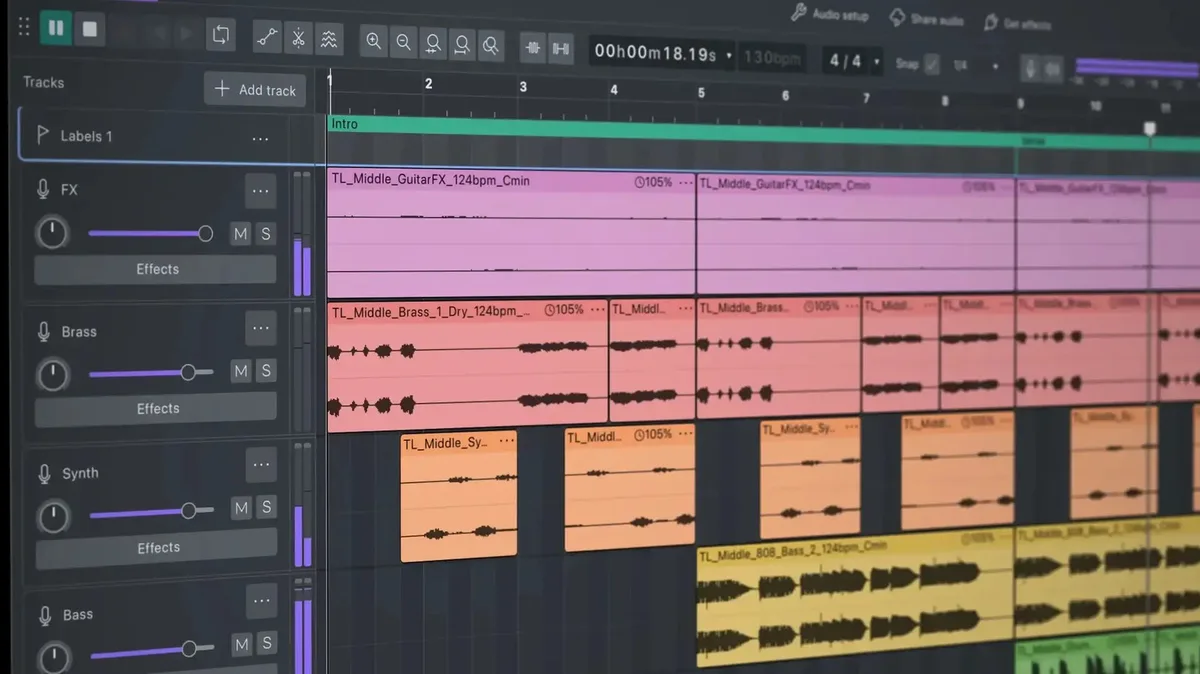
Audacity released version 4.0 on September 3, introducing a redesigned user interface built on the Qt6 toolkit [1, 2, 3, 4]. The update adds a new clip-editing model that allows users to select, group, move, and trim clips more flexibly and collectively [1, 2, 4].
The software now supports a new .aup4 project file format, while still providing backward compatibility by opening and converting older .aup3 files [2, 3]. The interface enhancements also include native high-DPI rendering, movable and dockable toolbars and panels, and the ability to save UI layouts as Workspaces for easier workflow customization [1, 3].
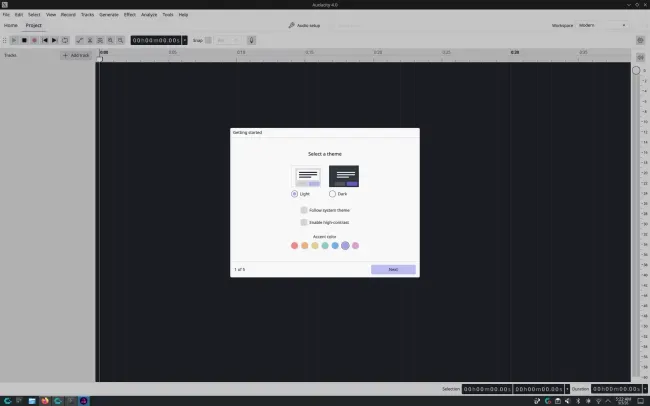
Users can choose from new themes featuring light, dark, and high-contrast modes, alongside customizable accent colors and clip styles [1, 4]. The update removes legacy Select, Envelope, Draw, and Multi-tool modes, replacing them with context-sensitive tools and adding a draggable envelope tool for gain control [1, 4].
A dedicated new splitting tool lets users split clips with one click and multiple options, streamlining the editing process [1, 2, 4]. Playback improvements include a visible playhead during navigation, seek functionality without stopping playback, and the ability to start recording anywhere on the timeline, automatically creating a clip at that position [1].
Despite the new features, some elements from the Audacity 3.x series are missing in version 4.0, meaning it is not fully backward-compatible [3]. Audacity 4.0 is available now with binaries for Linux (AppImage), macOS, and Windows, alongside source code downloads for developers [2].