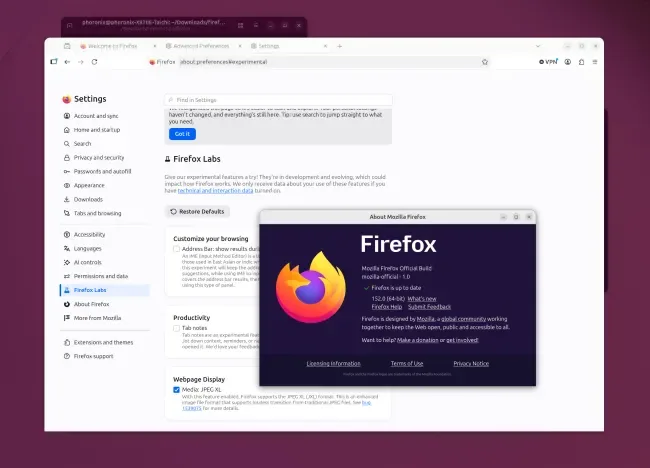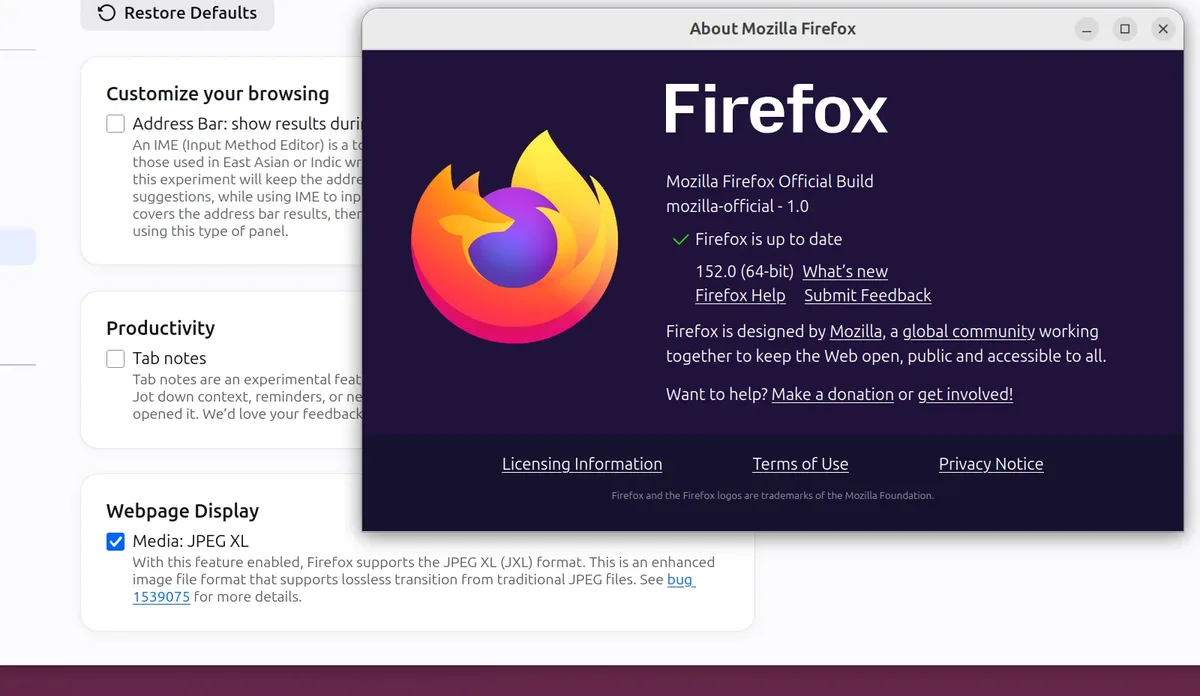
Mozilla launched Firefox 152 on September 5, making the browser's JPEG-XL image format support built-in by default on beta and release versions. Previously, this support was limited to Nightly builds and remains experimental, requiring users to enable it through a Firefox Labs preference [1, 2].
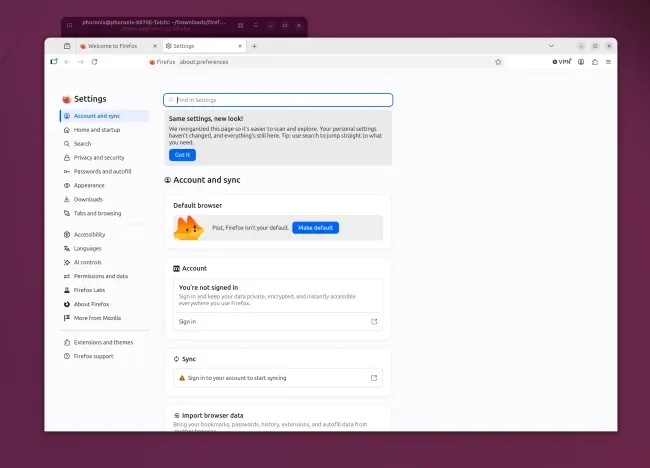
The release also features a redesigned settings interface, aimed at improving user navigation and control [1, 2]. Another notable addition in Firefox 152 is HDR video playback on Windows across diverse hardware configurations, enhancing video quality for supported devices [1].
Firefox 152 introduces CSS support for the field-sizing property, allowing web developers more control over form element layouts [1]. The browser now enables users to mute sound directly from the address bar, streamlining audio control without opening other menus [2]. It also adds an option to disable tracker blocking specifically in private browsing tabs, providing users greater customization of privacy settings [2].
Developers receive multiple enhancements as detailed on developer.mozilla.org, reflecting Mozilla's ongoing focus on web standards and tooling improvements [1]. Users can download Firefox 152 binaries from Mozilla’s official ftp site [1].
Looking ahead, Mozilla plans to include Vulkan Video decoding support in Firefox 153, expected to improve video performance and compatibility further [1].